Christine Burke Yoga
A yoga site its owner can actually update
Christine teaches yoga in Los Angeles and her schedule changes constantly. She needed a site she could keep current herself, without learning a CMS or paying for one.
- Design and build — built, not yet launched
- 2026
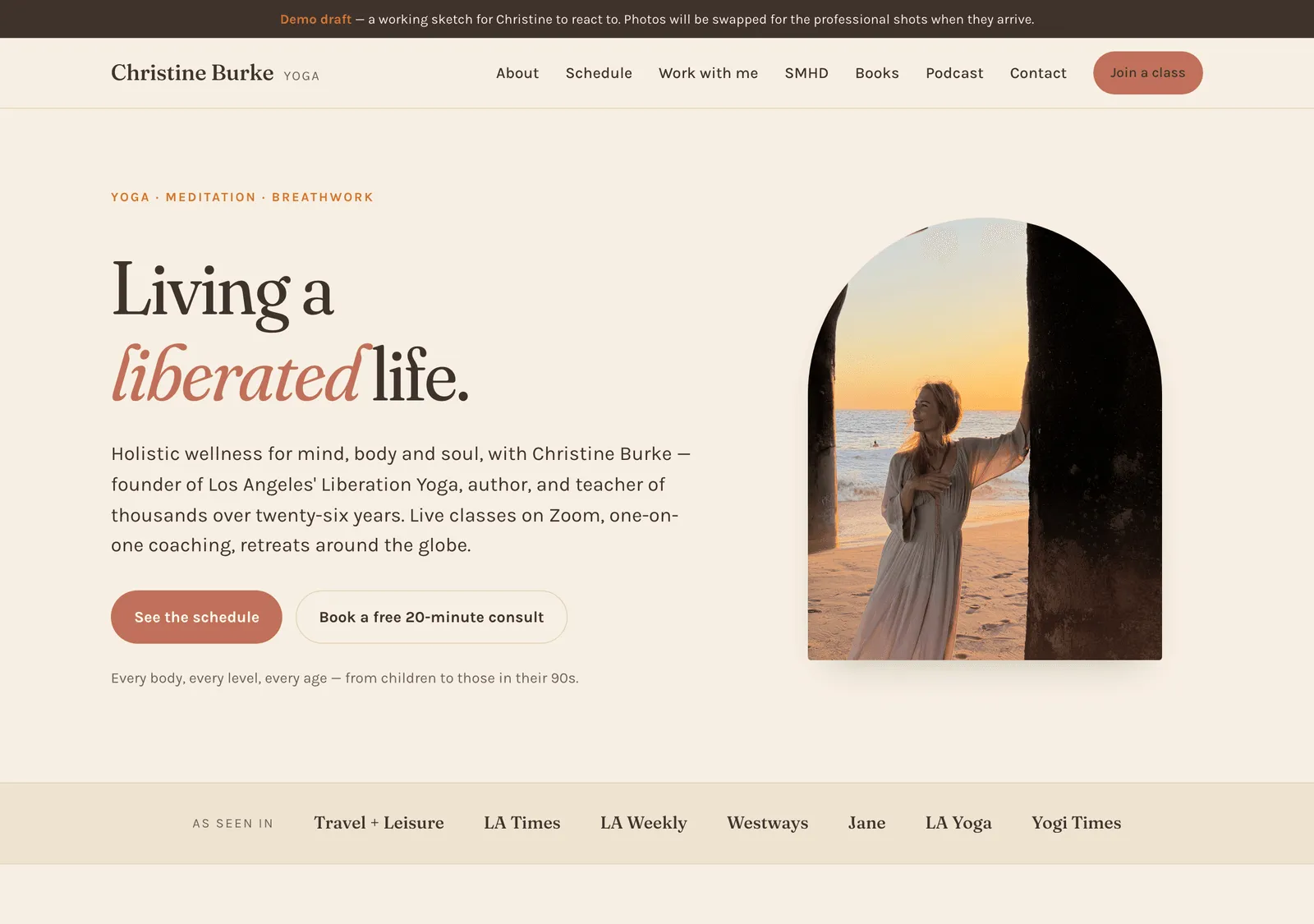
Where this stands
The site is built and due to launch — at the time of writing it isn’t yet serving at Christine’s own address, so what you see here is the finished build rather than a live URL.
It started as a working draft, made so a prospective client could react to something real rather than to a quote and a mood board. That turned out to be the fastest way to have a useful conversation about it, which is why it exists in this form at all.
The problem
Christine’s classes move around. Dates shift, workshops get added, a Saturday flow becomes a hybrid session. The usual arrangement means emailing a developer for every change — which in practice means the schedule is slightly out of date most of the time, and the site slowly stops being useful to her students.
The obvious fix is a CMS. But a CMS is another login, another monthly bill, and another interface to learn for someone whose job is teaching yoga, not administering a website.
The approach
Put the schedule in a Google Sheet that Christine owns. The site reads it on every page load. She adds a row, reloads, and the new class is live — from her phone, in an app she already uses, with no new account.
A few decisions that make that hold up in practice:
- Columns match by header name, not position. She can reorder or add columns and nothing breaks.
- Dates are accepted in whatever format Google decides to store —
2026-10-13,10/13/2026, orOct 13, 2026all parse. - Past classes hide themselves. Nothing ever needs deleting, so the sheet quietly becomes a record of everything she’s taught.
- The sheet is optional. If it’s ever unreachable, the site falls back to a schedule committed in the code rather than showing an empty page.
- Sensible blanks. No price means the standard rate; no format means Zoom. A cell only gets filled in when it’s an exception.
Everything else that changes occasionally — rates, workshops, contact details,
testimonials — lives in a single content.js file written to be edited by hand,
with comments explaining each field in plain language.
The handover plan
The part I care most about: it comes with a guide written for Christine, not for a developer. It opens with “the class schedule lives in a Google Sheet that you own and edit,” explains what happens if she types a date oddly, and tells her the single thing to be careful about — spelling a class name consistently, because the description is keyed off it.
A site a client can’t maintain isn’t finished. The documentation is part of the deliverable, not an extra.
Notes on the build
No build step and no framework — HTML, CSS and a little JavaScript, so there’s nothing to upgrade and nothing to break in two years. The whole palette is a dozen CSS custom properties at the top of one stylesheet, so the site can be warmed up or cooled down by changing a few hex values. Dark mode comes free from the same tokens.
Hosting is GitHub Pages at no cost, ready to move to her own domain whenever she wants it — pointing the DNS doesn’t change the site itself.